
· 123 ToDo Team · Guides · 3 min read
Hands-Free Productivity: How On-Site Contractors & Field Teams Master Daily Logs with AI Voice Dictation
Discover how trade professionals, site managers, and busy field workers log site updates 5x faster using 123 ToDo Simple Voice Notes mode with spoken punctuation and instant typo commands.

On a bustling construction job site, electrical installation, or fast-paced field survey, stopping to type text notes on a small smartphone screen is inconvenient, slow, and often dangerous.
Whether you are wearing heavy work gloves, holding measuring tools, or walking between site inspections, traditional task apps force you to navigate nested drop-down menus, pick categories upfront, and fiddle with tiny keyboards.
That is why 123 ToDo introduced Simple Voice Notes Mode — a high-contrast, large-text skin designed specifically for hands-free dictation on the move.
1. The Real Cost of Lost Field Notes
Trade contractors, site supervisors, and field surveyors routinely encounter critical updates throughout the day:
- On-site measurements that need logging immediately.
- Unexpected safety or material shortages requiring follow-up orders.
- Client change requests requested verbally during walk-throughs.
When notes are jotted down on scrap paper or left unrecorded until the end of the day, key details get lost, leading to costly rework and missed project deadlines.
2. How 123 ToDo Simple Voice Notes Mode Solves Field Input Friction
123 ToDo features a 1-tap header skin toggle ([ 📋 Tasks | 🎙️ Voice Notes ]) that switches the app into Simple Voice Notes Mode:
Continuous Dictation with Native Web Speech API
- Tap the large red “Talk” button to start continuous hands-free voice dictation.
- The high-contrast canvas expands dynamically, automatically scrolling down to track your spoken words in real-time.
Intelligent Spoken Punctuation
Speak naturally without needing post-editing:
- Saying “order 50 feet conduit pipe comma delivery for Thursday morning full stop” is automatically formatted into: “Order 50 feet conduit pipe, delivery for Thursday morning.”
Live Spoken Editing Commands
Made a mistake while dictating? You don’t need to touch the keyboard:
- Say “delete last word” or “scratch that” to remove recent mistakes on the fly.
- Say “clear all” to reset the field instantly.
Hands-Free Auto-Submission
- Finish your sentence and say “add task”, “add note”, or “save task”.
- 123 ToDo automatically strips the command keyword, stops dictation, and saves the item directly into your Unassigned Inbox.
3. The 2-Step Field-to-Desk Triage Workflow
123 ToDo uses a Unified Data Engine where Notes and Tasks live in the exact same underlying database:
- On the Job Site: Dictate quick thoughts, measurements, and action items rapidly into your Unassigned Inbox without worrying about folder organization or priority levels upfront.
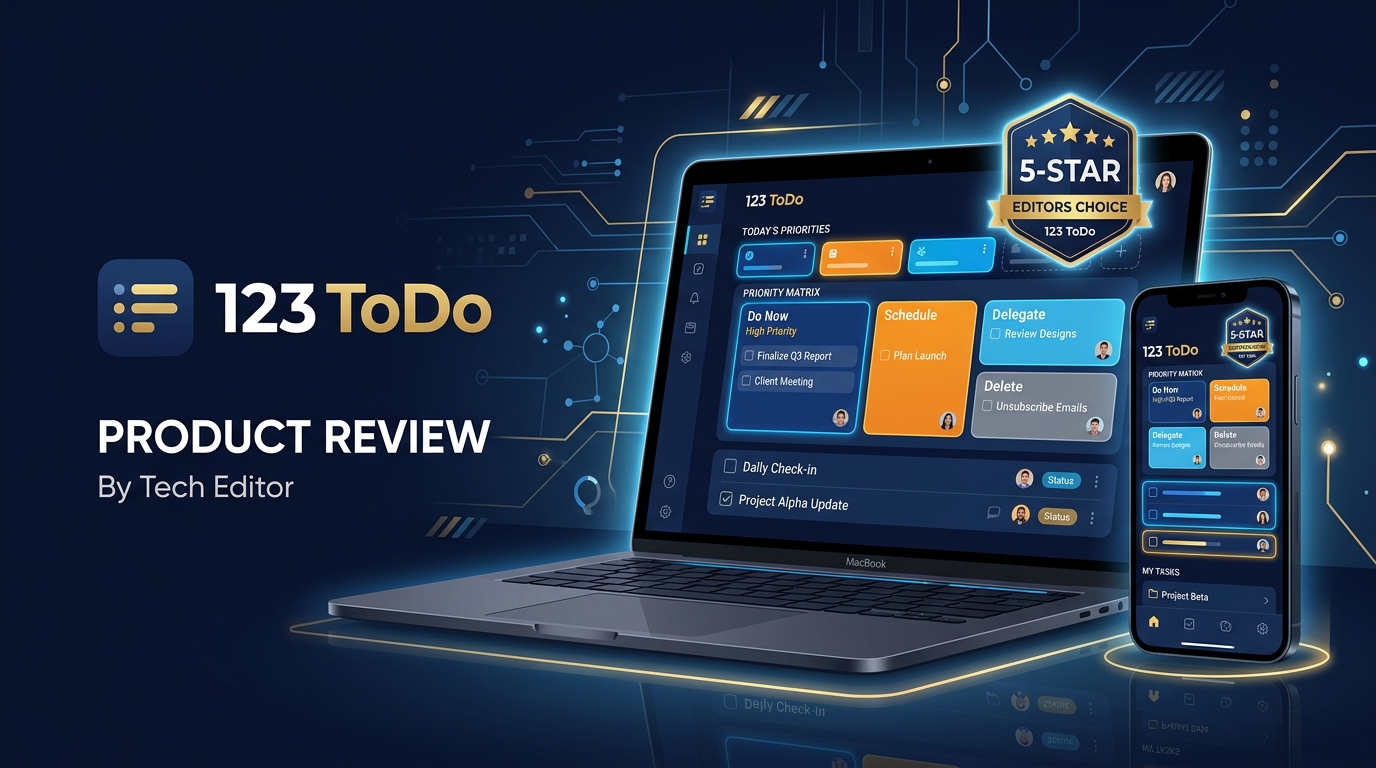
- Back at Your Desk: Tap the header toggle back to Task Manager Mode. Your voice notes appear ready for triaging — assign priority matrix levels (P1 Must Do, P2 Should Do, P3 Could Do, P4 On Hold), attach subtask checklists, or categorize into color-coded Project folders in seconds.
Try Voice Dictation Today
Streamline your field operations with zero registration, zero monthly fees, and 100% offline support.