
· 123 ToDo Team · Announcements · 5 min read
Introducing Photo Attachments: Capture Receipts, Site Photos & Screen Grabs in 123 ToDo
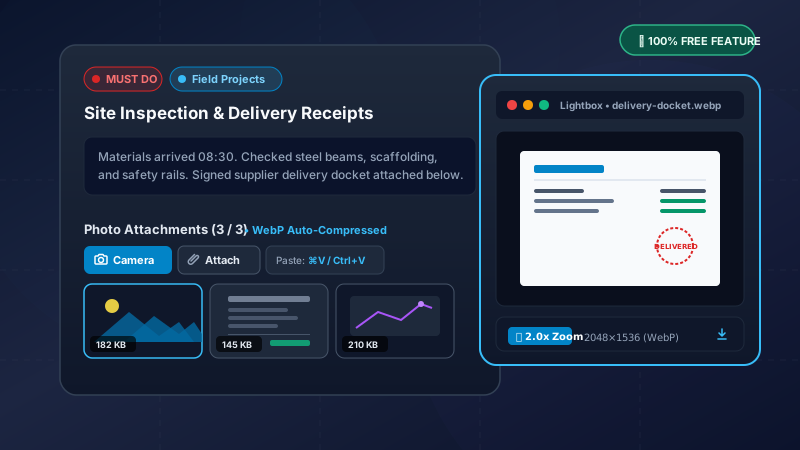
Attach up to 3 photos per note! With camera capture on mobile, direct clipboard pasting (Cmd+V) for screen grabs on desktop, sharp client-side compression, and a full-screen Lightbox viewer — included completely free with zero ads.
Visual Context Wherever You Work
A quick task title like “Review supplier invoice” or “Fix leaking valve in basement” tells you what needs to be done. But in the real world, words aren’t always enough:
- On a construction site or home renovation, a photo of the pipes, wiring, or material delivery docket clarifies the exact problem in a split second.
- At your desk, a fast screenshot of a dashboard error, a spreadsheet formula, or a design mockup saves ten minutes of typing explanations.
- Managing personal expenses or warranties, snapping a picture of a paper receipt or purchase order prevents lost records when tax season arrives.
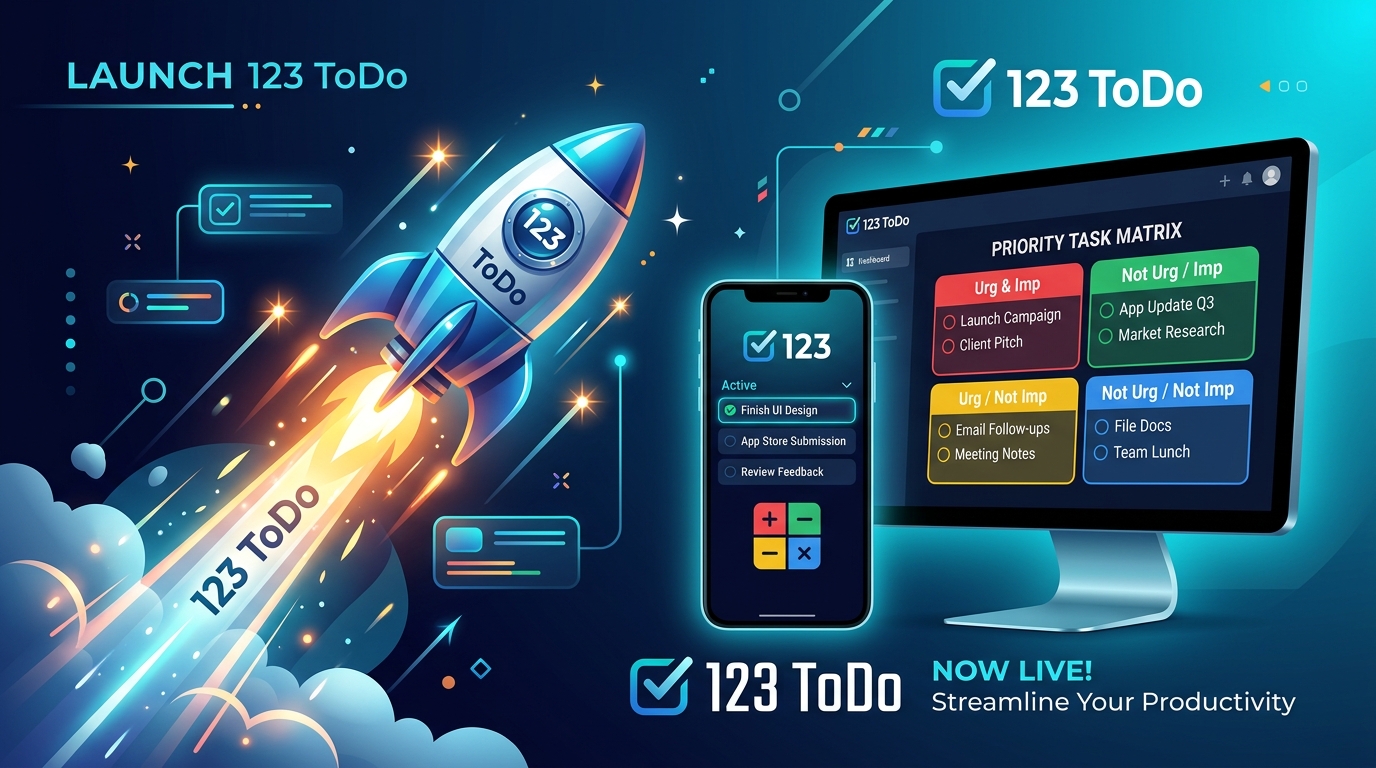
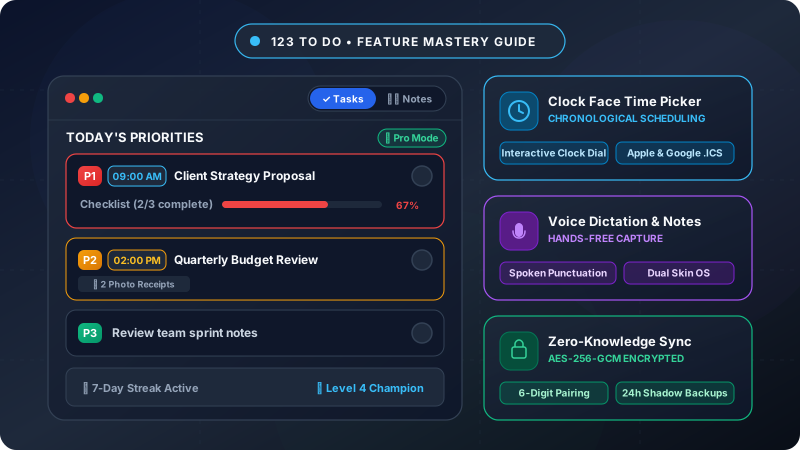
Today, we are thrilled to announce Photo Attachments in 123 ToDo v3.6.0! You can now attach up to 3 high-resolution photos or screenshots directly to any Note or Task across all your devices — mobile, tablet, and desktop.
And in true 123 ToDo fashion, this feature is included completely free with no ads and zero tracking.
Why Most To-Do Apps Lock Attachments Behind Paywalls
If you’ve used Todoist, TickTick, or other popular productivity tools, you’ve likely hit their monetization trap: file and photo attachments are locked behind a $4 to $6 monthly subscription.
Why do they do this? Storing massive uncompressed multi-megabyte camera photos (frequently 8MB–15MB each on modern iPhones and Android flagships) places enormous load on cloud servers and quickly incurs massive storage fees.
Rather than charging you a monthly fee or crippling the feature, we engineered a smarter, privacy-respecting client-side architecture:
- Up to 3 Photos Per Note: Generous enough to capture the before, during, and receipt of any task while keeping your workspace nimble and clean.
- Intelligent Client-Side WebP Compression: Before any photo is saved, 123 ToDo’s in-browser image engine resizes it to a maximum of 2048px and converts it to modern WebP format. High-contrast document text, barcode numbers, and 4K screen grabs remain razor-sharp, while the file size is reduced from 10MB down to an ultra-lean ~150KB–250KB.
- Local IndexedDB Offline Storage: Photos are stored locally in your browser’s dedicated IndexedDB storage engine (
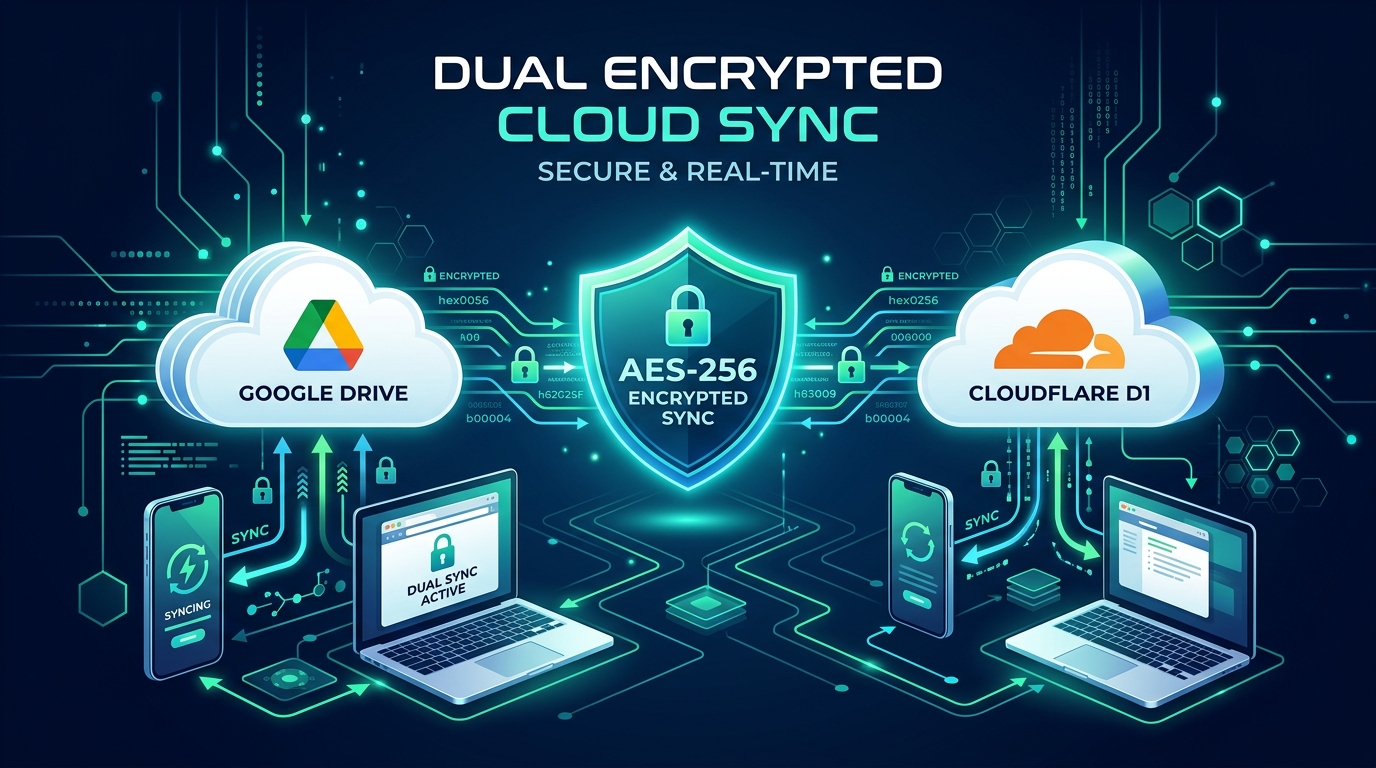
123TodoPhotoDB), bypassing standardlocalStoragelimits and ensuring instantaneous loading even without an active internet connection. - Zero-Knowledge Encrypted Cloud Sync: When syncing via our encrypted Cloud Sync or Google Drive, photo payloads are synchronized smoothly without server bloat.
The result? A blazing fast, responsive photo attachment experience that costs you absolutely nothing.
Designed for Mobile Field Work & Desktop Workflows
We built Photo Attachments to feel effortless whether you are wearing work gloves on a job site or working with dual monitors at an office desk.
On Mobile: Instant Camera Capture & Photo Roll
- Dedicated Camera Button: Tap the Camera button inside any note to launch your device’s camera immediately (
capture="environment"). Snap the scene, confirm, and it is instantly compressed and attached. - Photo Library: Tap Attach to pick existing photos or screenshots from your iOS or Android photo album.
- Visual Thumbnails: Thumbnails display immediately under the note with rounded corners, file size badges, and single-tap delete buttons.
On Desktop: Direct Clipboard Paste (Cmd+V / Ctrl+V)
- Paste Directly from Clipboard: This is a game-changer for desktop productivity. Grab a screenshot with
Cmd+Shift+4on Mac orWin+Shift+Son Windows, click into the note, and simply pressCmd+V(orCtrl+V). The screen grab is parsed directly from your clipboard and attached in less than a second — no saving intermediate files to your desktop! - Drag-and-Drop: Drag any PNG, JPEG, or WebP file straight from your desktop file manager into the note area to attach it.
Full-Screen Lightbox Modal with 2x Zoom
Small thumbnails are great for scanning, but inspecting details requires full screen.
Clicking or tapping any photo thumbnail opens the 123 ToDo Lightbox Modal:
- High-Resolution Inspection: View the photo in its full 2048px clarity.
- Interactive 2.0x Zoom: Double-click or tap the Zoom toggle to inspect fine receipt text, serial numbers, or diagram annotations.
- Photo Metadata: Displays the image dimensions, file size, and timestamp.
- Download & Share: One-click download button lets you export the compressed image back to your device storage at any time.
Practical Ways to Use Photo Attachments Today
1. Trades, Field Work & Site Management
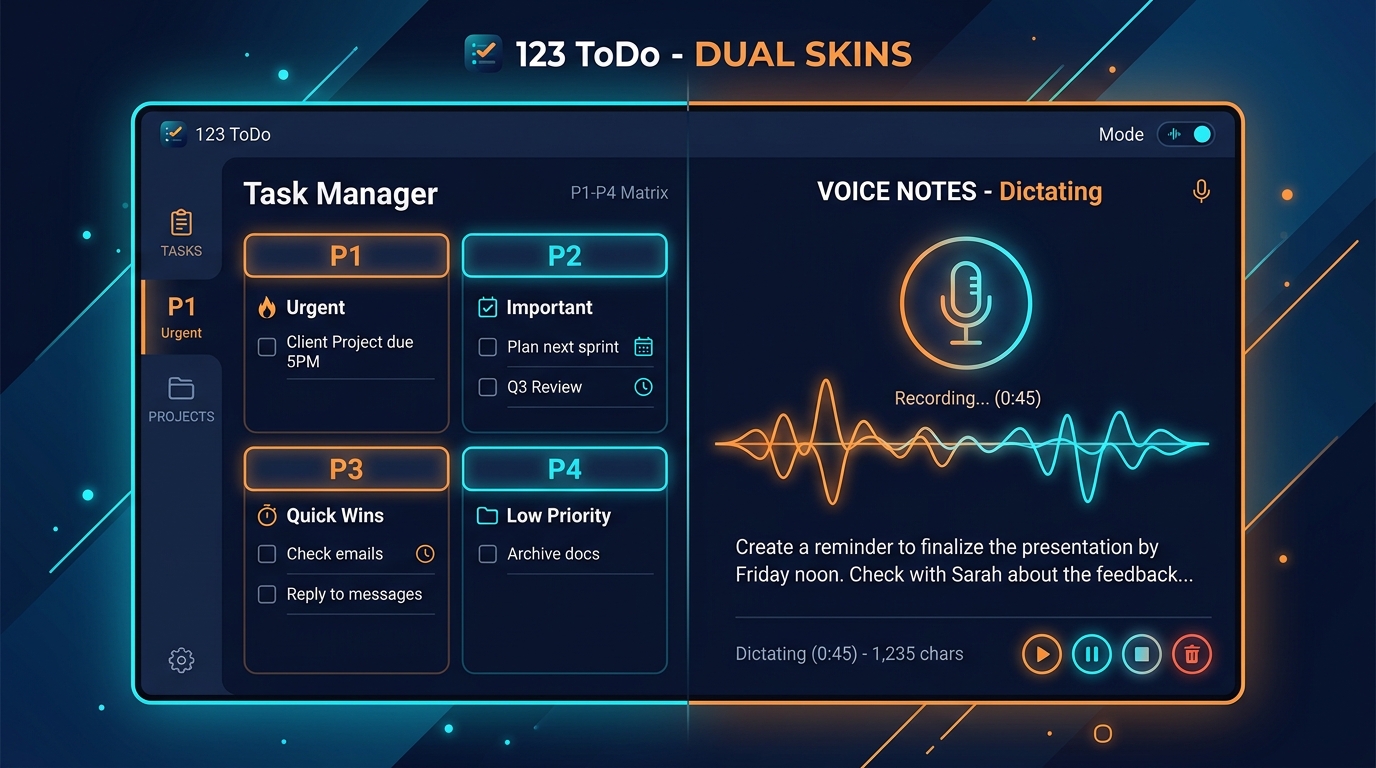
Take photos of pre-existing site conditions, utility meters, pipe layouts, and signed delivery dockets. Store them alongside your task notes in Simple Voice Notes Mode or standard Task Manager Mode.
2. Expense Tracking & Warranty Receipts
Buy replacement parts, tools, or office supplies? Snap the physical receipt on your phone, attach it to your “Expense Claim” or “Tax Return” task, and throw away the thermal paper before the ink fades.
3. Software Development & Design Bugs
Capture visual UI glitches or mobile screen mockups. Paste the screenshot directly into your task notes with Cmd+V, list subtasks for the fix, and assign to your project.
4. Whiteboard Notes & Meeting Diagrams
Attending an in-person meeting or brainstorming session? Snap a photo of the whiteboard before it gets wiped, attach it to your meeting follow-up task, and keep the team aligned.
Try It Now in 123 ToDo v3.6.0
Photo Attachments are live now in 123 ToDo v3.6.0. If you already have the app installed, simply open it and it will update automatically. If you’re new to 123 ToDo, launch it today in any browser:
👉 Open 123 ToDo for Free (app.123todo.com)
As always, 123 ToDo requires no account creation, collects zero personal data, and provides an uncapped, private task management system for life. Happy organizing!