· Senior Technology Editor · Security · 2 min read
The Anatomy of Zero-Knowledge Productivity: Why Your Daily To-Do List Deserves AES-256 Encryption
Learn how zero-knowledge client-side encryption protects your confidential client names, business strategies, and personal notes across devices with zero tracking and zero subscription fees.
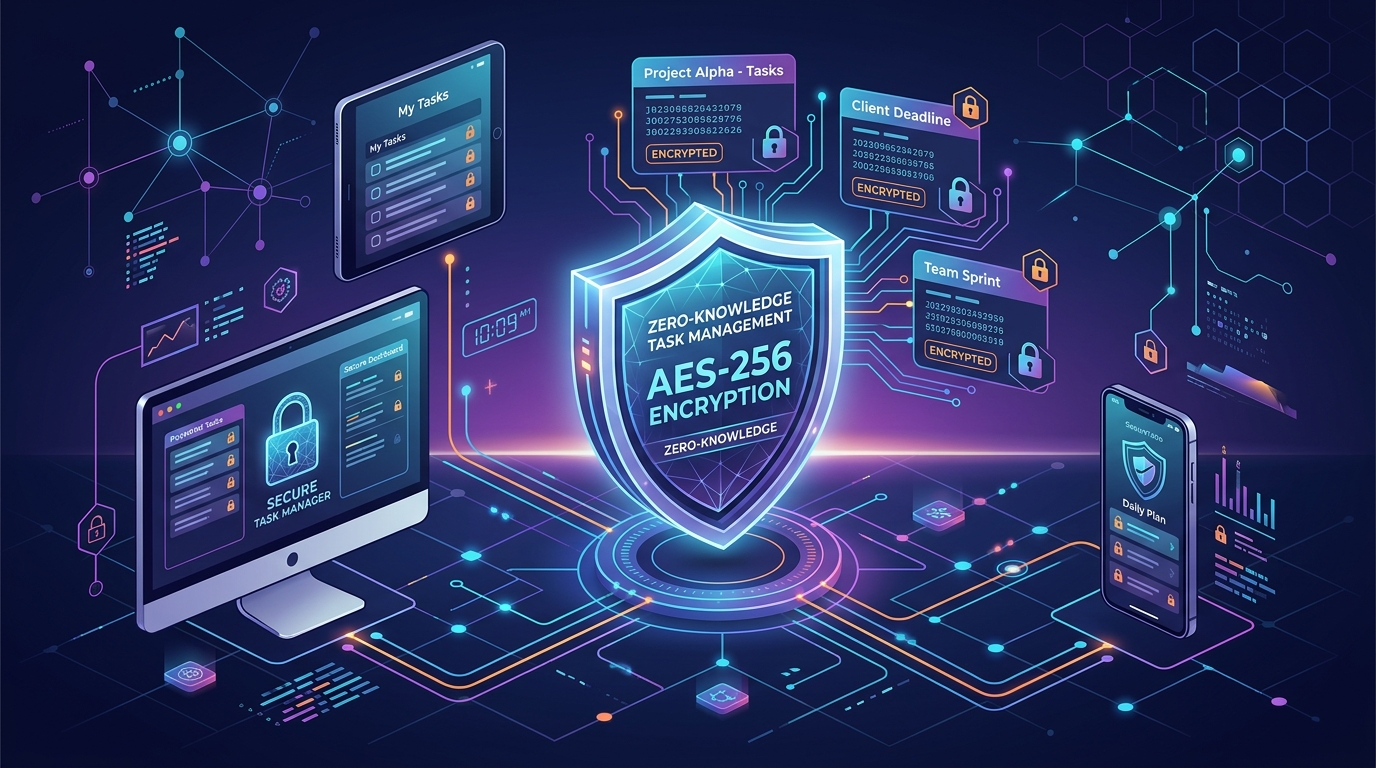
When you write down your daily tasks, work deadlines, personal finances, or confidential client briefs inside a digital task manager, where does that information go?
For the vast majority of mainstream productivity applications, the answer is alarming: your task titles, notes, and project categories are stored in plaintext or server-side encrypted databases on central cloud servers. Administrators, employees, advertisers, or third-party data harvesters could theoretically access your unencrypted data.
123 ToDo was engineered on a radically different principle: Zero-Knowledge Client-Side Encryption.
1. What is Zero-Knowledge Client-Side Encryption?
In traditional cloud apps, encryption happens on the server after your data travels across the internet. If the server is compromised or subpoenaed, your unencrypted tasks can be read.
In a Zero-Knowledge Architecture:
- Your tasks, notes, subtask checklists, and project names are encrypted on your local device using industry-standard AES-256-GCM encryption before any data leaves your browser.
- Your encryption key is derived locally via PBKDF2 from your master passphrase or secret device pairing token.
- Only encrypted ciphertext blobs travel across the network to cloud storage.
- Neither 123 ToDo, Cloudflare, Google, nor any third party possesses the decryption keys.
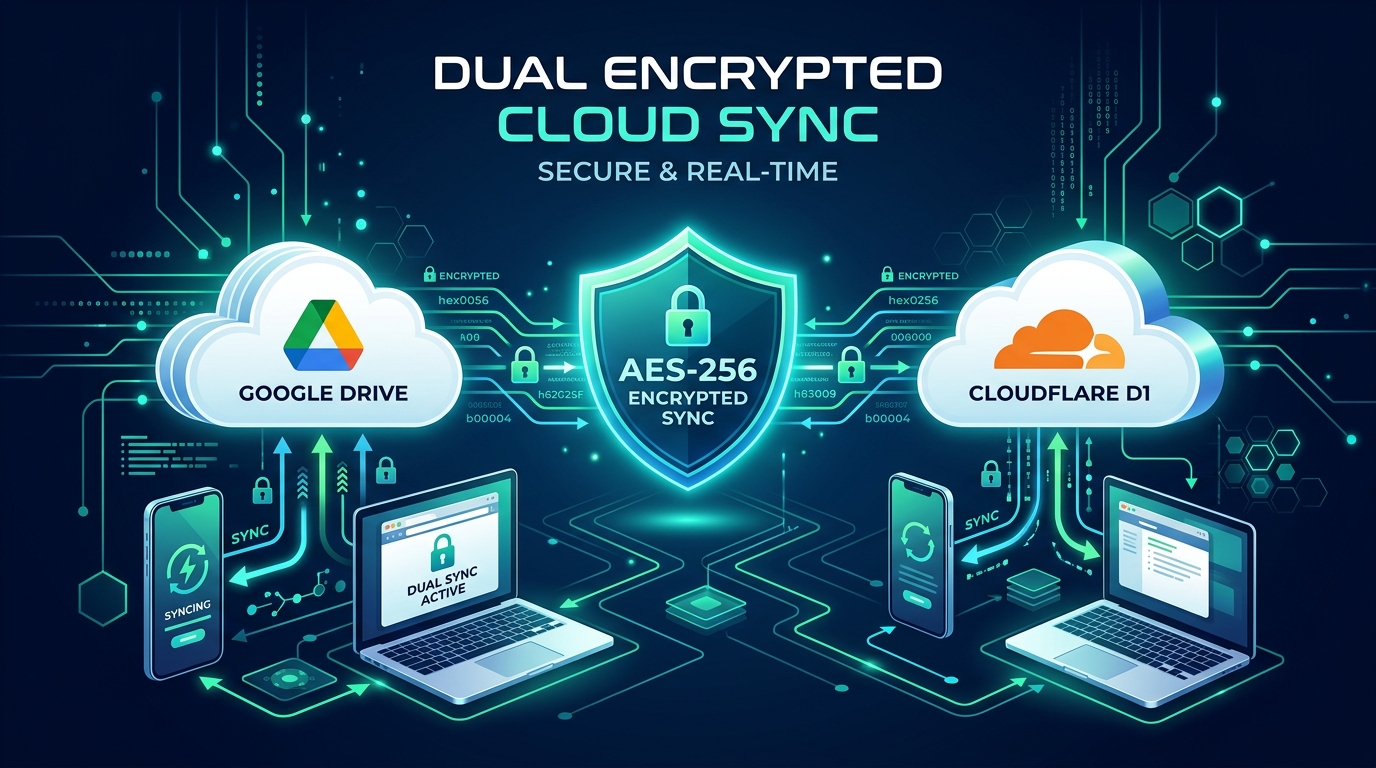
2. Dual Encrypted Sync Choice: Serverless D1 vs. Google Drive
123 ToDo provides two zero-knowledge cloud sync providers in Settings ⚙️ ➔ Cloud Sync:
Option A: 123ToDo Cloud Sync (Serverless Cloudflare D1)
- Uses high-speed global edge databases for sub-500ms multi-device sync.
- Eliminates 1-hour OAuth token drops and WebKit PWA storage wipes on iOS devices.
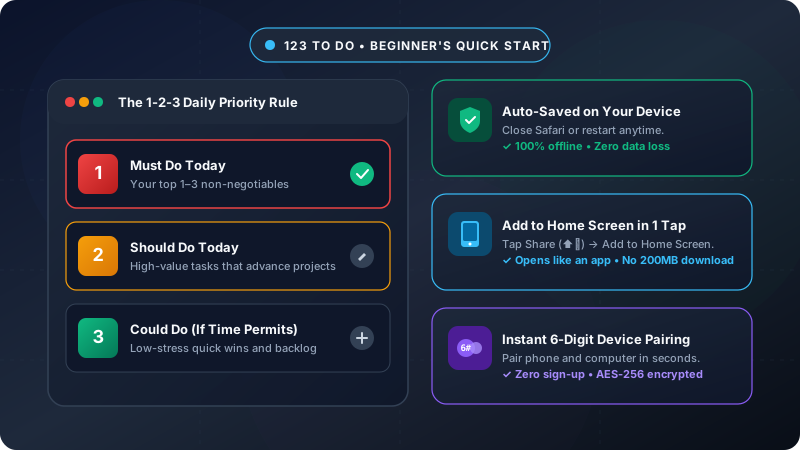
- Uses 5-Second 6-Digit Device Pairing: generate a code on your primary device, type it on your second device, and instant cryptographic pairing takes care of the rest.
Option B: Google Drive AppData Sync
- Connects directly to your personal Google Drive account.
- Stores encrypted task payloads inside your private, hidden
appDataFolder(invisible in standard Drive browsing and inaccessible to third-party apps).
3. Why Privacy Matters in Daily Task Management
Confidentiality isn’t just for enterprise security teams — it protects everyday productivity:
- Intellectual Property: Draft product ideas, patent concepts, and marketing launches stay private.
- Client & Legal Work: Keep sensitive client names, case notes, and billing targets protected from data mining.
- Personal Peace of Mind: Medical reminders, family schedules, and financial goals remain yours alone.
Complete Data Ownership & Freedom
Privacy and freedom go hand in hand. 123 ToDo includes a Zero Lock-In Guarantee — export your complete encrypted or unencrypted workspace dataset as a .json backup file anytime in 3 clicks (Settings ⚙️ ➔ Export Backup Data).
👉 Experience zero-knowledge privacy for free at app.123todo.com